Seal · by MARTENSIA · In testing · pilot open
One link to review, approve and deliver a 3D design.
Your client sees it in 3D, approves it and receives the STEP. No account, nothing to install.
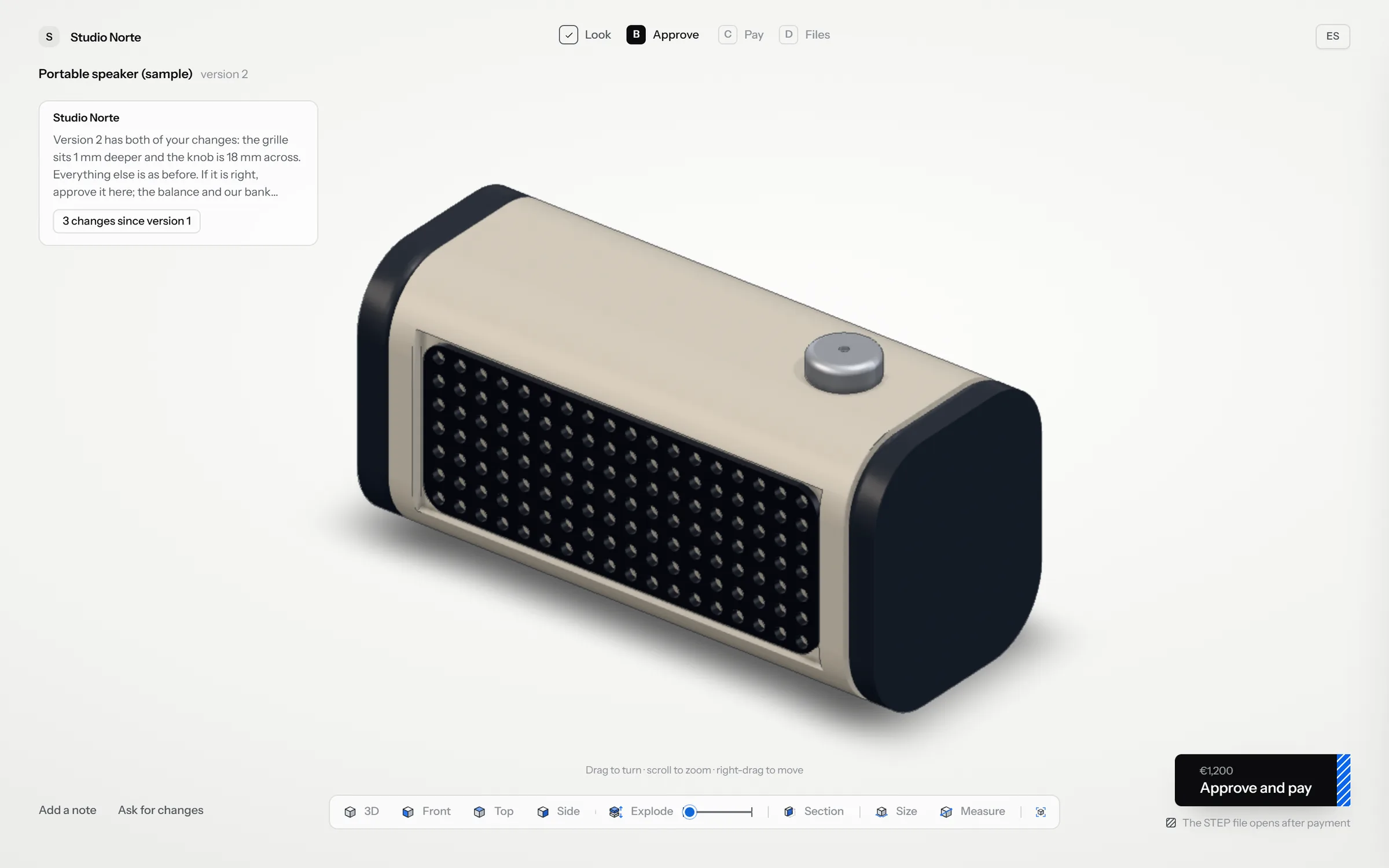
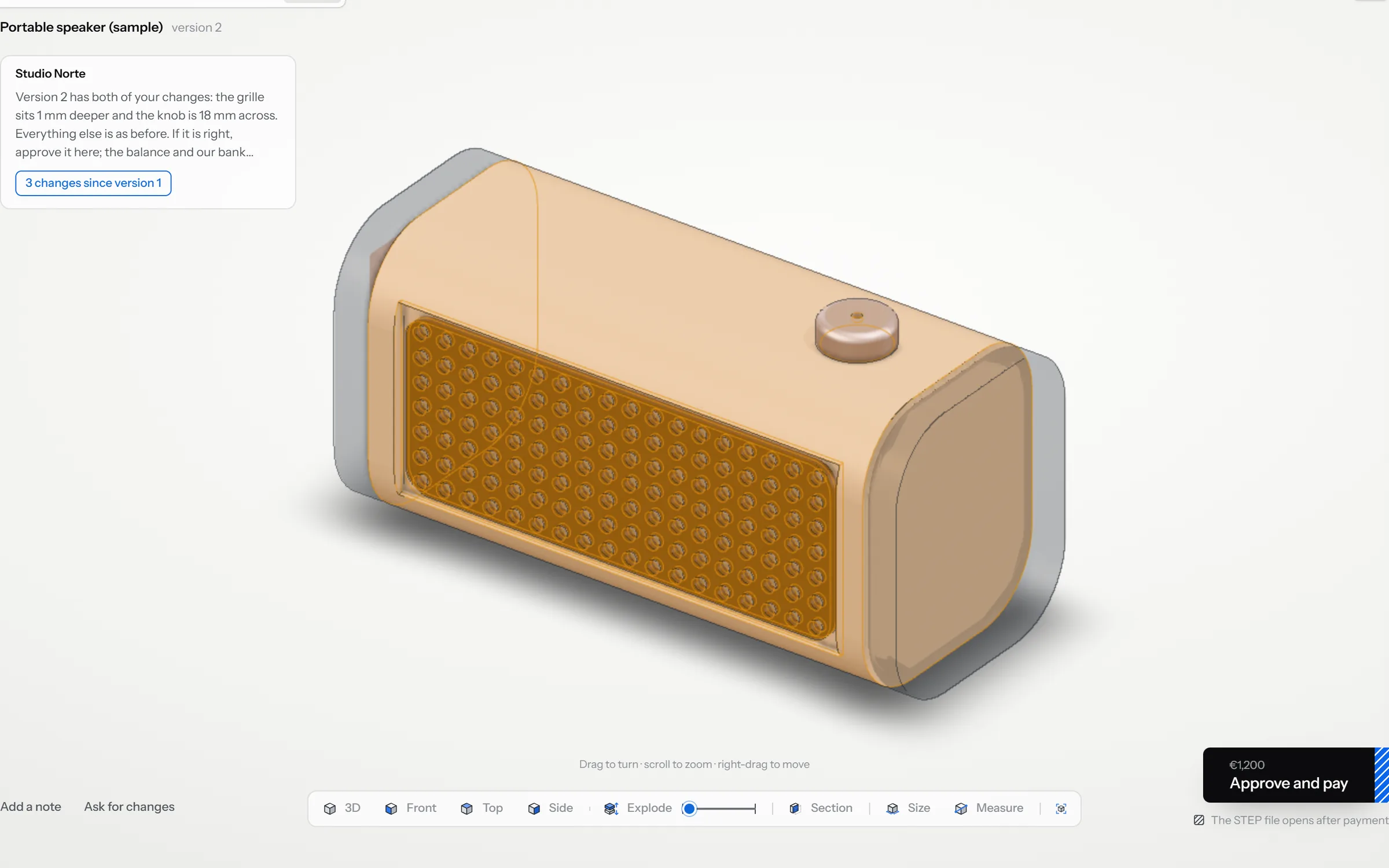
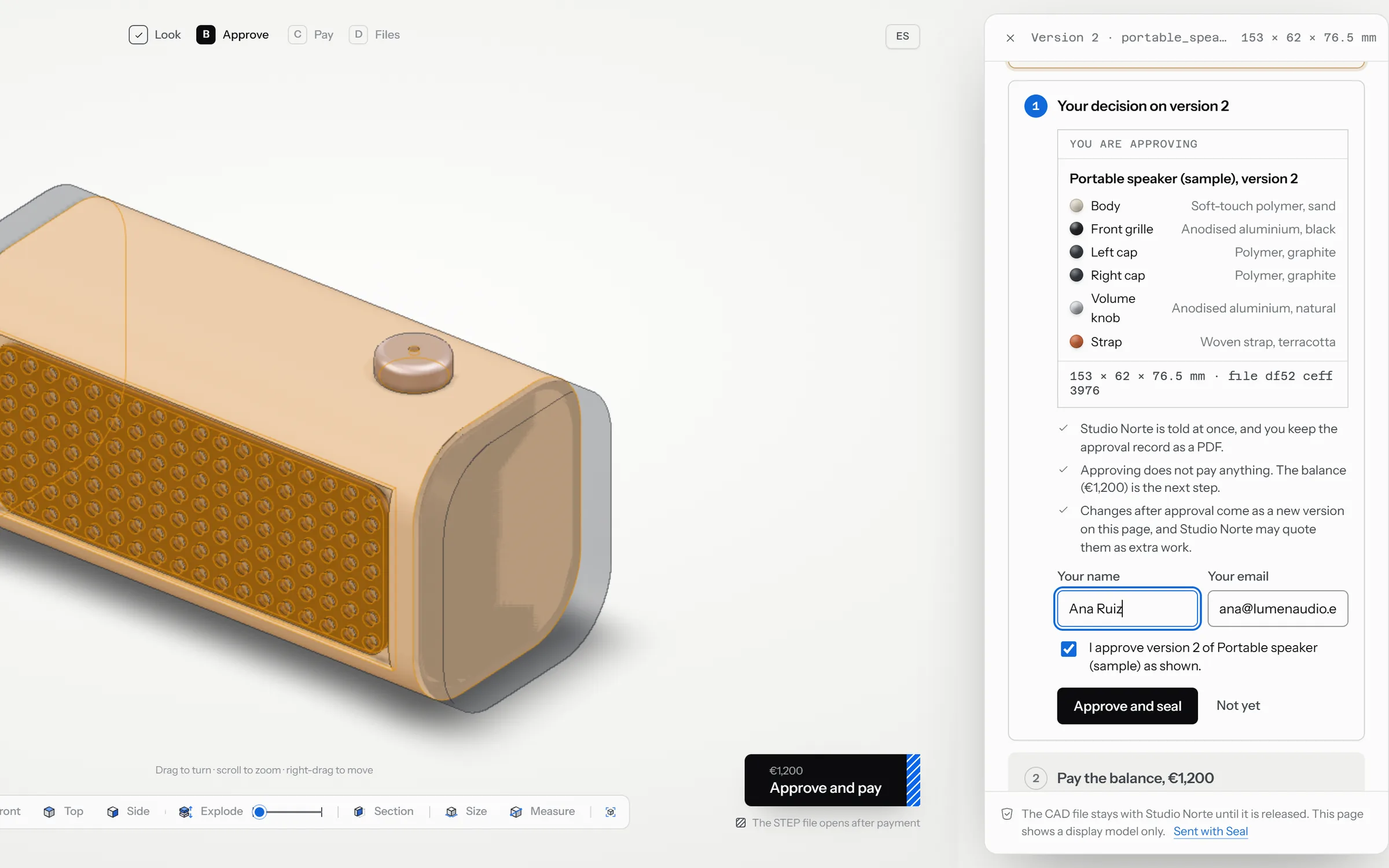
Opens the link and sees the design in 3D, with your note.
- In
- STEP, IGES, BREP from any CAD
- Out
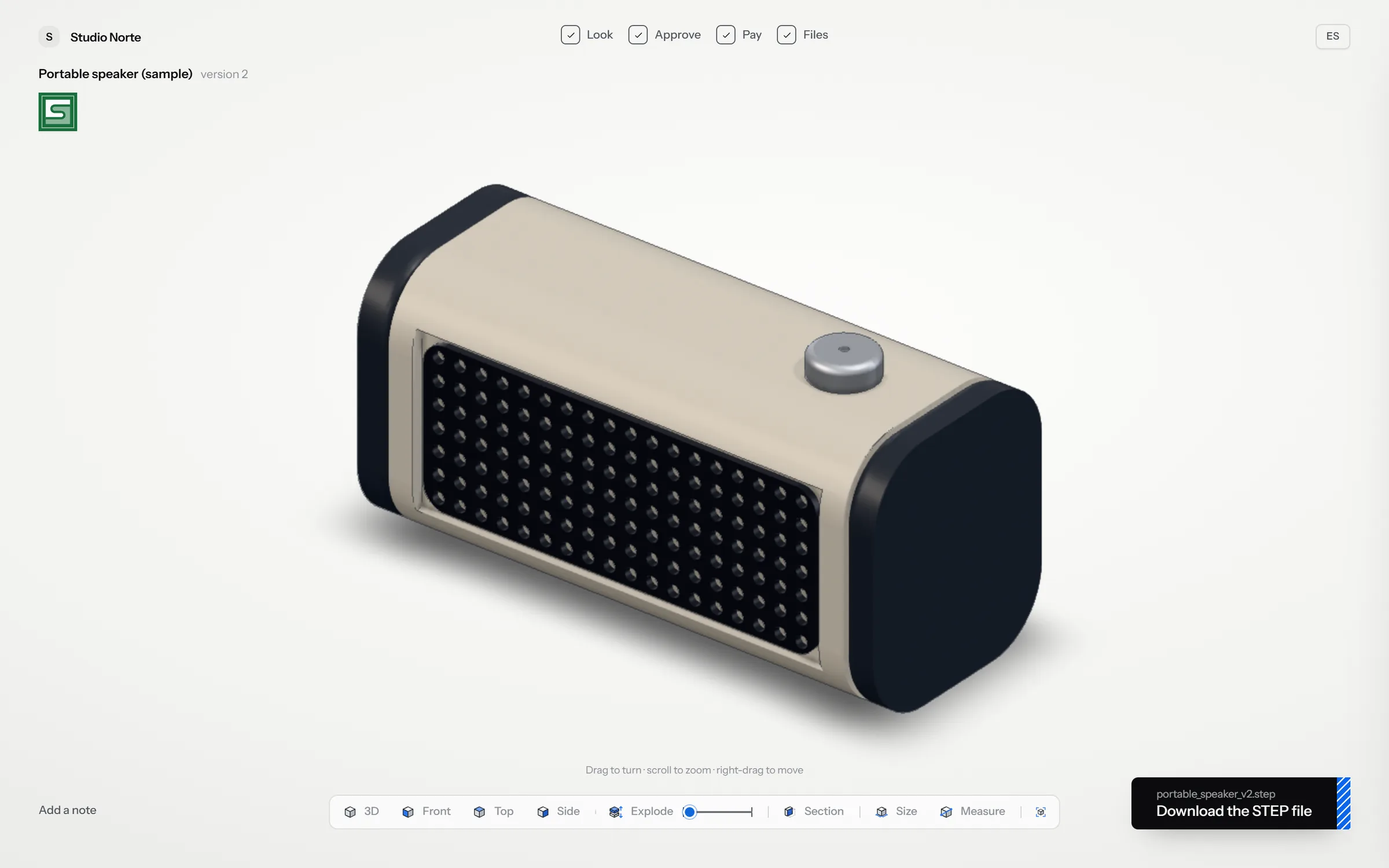
- One page for your client · a dated approval record (PDF) · the STEP, once released
- Runs
- In the browser; your client needs no account
- Stage
- In testing · pilot open
Your side
Three steps.
01
Drop the CAD file
STEP, IGES or BREP from any CAD.
02
Send one link
New versions go to the same link.
03
Get paid, deliver
The file unlocks when you confirm payment.
Who it is for
Designers and studios who deliver 3D to clients.
Questions
Before the first link.
Does my client need an account?
No. A link that opens on a phone or a computer.
Which files can I send?
STEP, IGES and BREP from any CAD. To look inside a STEP first, open it in our free STEP viewer.
Does Seal handle the payment?
No. Your client pays you directly; Seal releases the file when you confirm.
When can I use it?
Seal is in testing, with a pilot open.
Seal pilot programme: 5 studios
Ten weeks on your next client projects. A founder price in writing, no automatic renewal. Five places.
What happens when you write
- 1Someone who builds the software replies, within one business day.
- 2A conversation about your process, by phone or video.
- 3A short written scope: what we would do, how long it takes and what it costs.